

Hey Guys, it's been a long time since my last post so I decided to write one.
Most of us use Google Chrome as the daily driver for browsing the internet 'coz it's fast and the best thing it supports Extensions! And so it also has a 'Chrome Web Store' to download 'em. [ I know that you all must be knowing all this, it's just to increase the content ; p ]
OK so let's get to the point, Here's the not too huge list of some useful Chrome Extensions that will make you more 'Productive':
1. Black Menu for Google: Black Menu for Google gives you quick access to your favorite Google services with a convenient drop-down menu that lets you use Search, Google+, Translate, and many others without leaving the page you’re on. Hover on menu items to get a small windowed preview or click the shortcuts to open them in a new tab.
You can customize the menu by pointing at ‘More’ and dragging the apps you want from a comprehensive list of services. Install

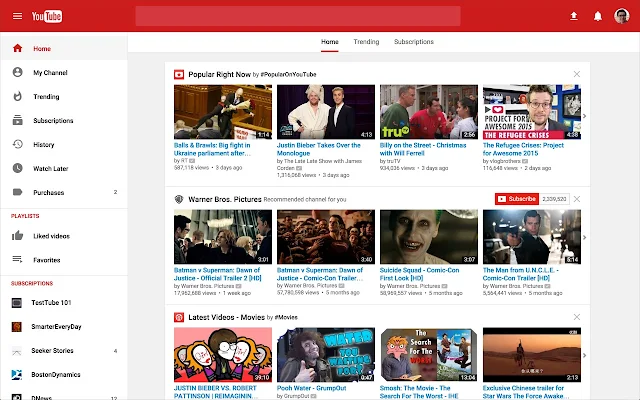
2. Ink for Google: Ink for Google improves the look of well-known Google websites like Search, Gmail, YouTube and Calendar. It unifies them under the guidelines defined by the Material Design team at Google. Ink for Google takes inspiration from the visual style of Google's Android apps and their newest websites to create a better and consistent experience across all of these services. Install
3. Adblock Plus: I know most of you guys are already using it but still it has got a mention in this list because it not only saves data, removes crap from webpages and let you be focused and most importantly, you guessed it! It block Ads!! Whohoo! So go ahead and install it if you havent. Install

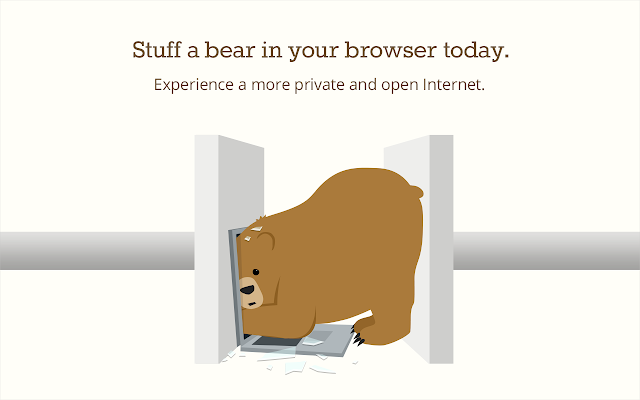
5. TunnelBear VPN: Rawwwr! Put a Bear in your browser and experience a more open and private Internet in seconds!
Get around blocked websites, Reduce websites and advertisers ability to track you, Secure your browser on public WiFi, Connect to a lightning fast private network with connections to 20 countries, Free data every month. Install


Follow Us
Were this world an endless plain, and by sailing eastward we could for ever reach new distances